DailyDone Papir
Snap it. Papir files it.
Photograph a passport, a policy, a receipt: Papir reads it, files it to the right shelf, and reminds you before it expires. Your paperwork, finally in order, on your own Drive.

Scan to install
Point your phone here
Passport
Expires in 30 days
Identity
6 documents
Finance
14 documents
Insurance
3 documents
Work
9 documents
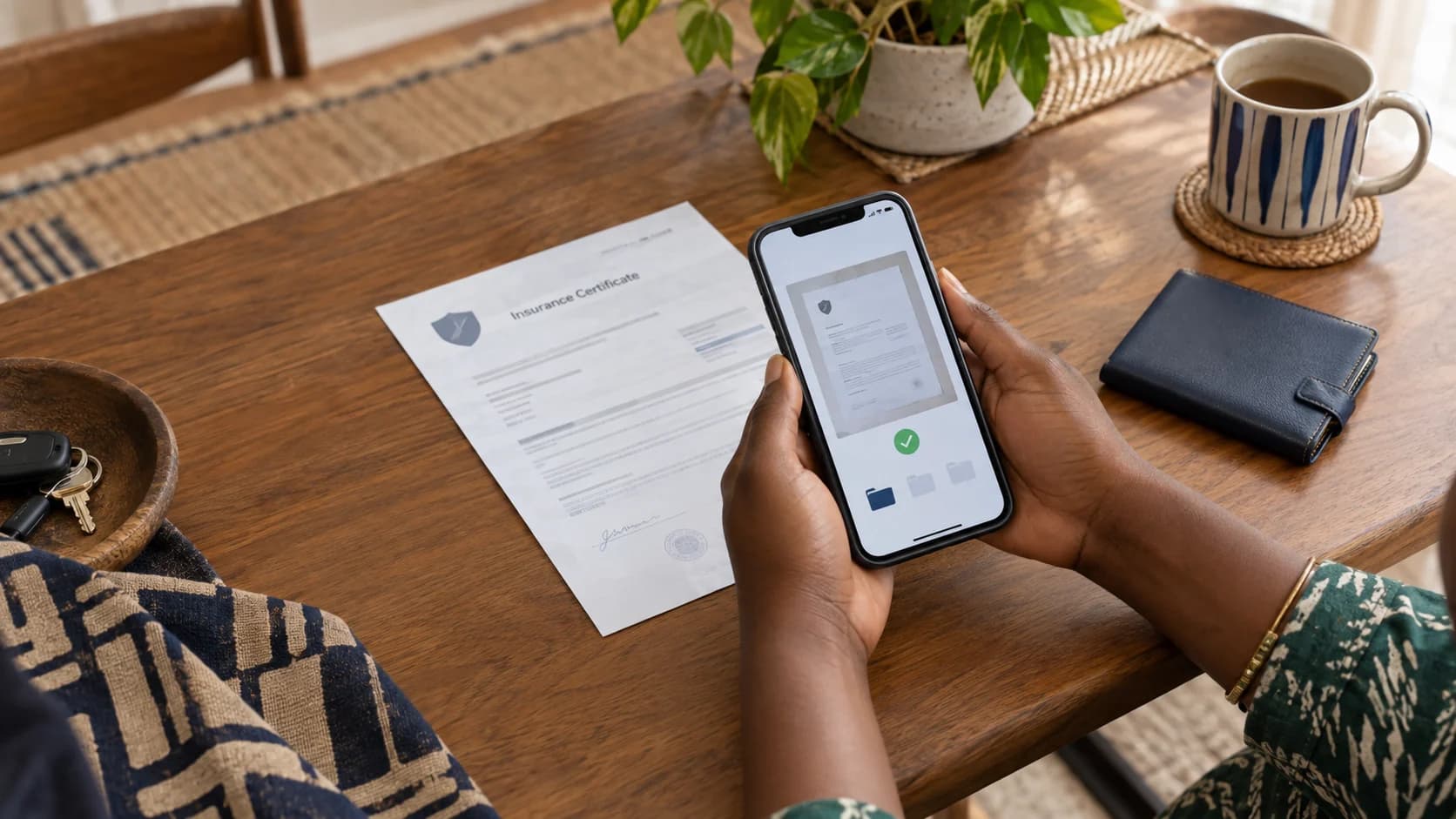
Capture a document once. Papir files it in your Drive, keeps it searchable and brings important dates back when you need them.
Capture is the only step you do
How it worksThe rest happens on its own: reading, sorting, remembering. Nobody pays for a scanner; the organising is the point.
Capture
Scan with the camera, pick from your photos, or import a file. Snap several in a row.
It files itself
Papir reads the document and files it to the right shelf across nine personal-records categories. Not sure? It waits in your Inbox.
Find & be reminded
Search or ask in plain words, and get a heads-up before a passport or policy runs out.
A filing cabinet that files itself
FeaturesAI auto-filing
The read-and-sort engine puts each document where it belongs, and learns how you file over time.
Nine shelves
Identity, Finance, Insurance, Health, Work, Education, Home, Property and Legal: the whole of personal life.
Expiry reminders
A passport, a licence, a policy: Papir nudges you by push well before it lapses.
Ask your documents
“When does my insurance renew?” Papir answers from what it has filed, and points to the source.
Locked when it matters
Sensitive shelves sit behind Face ID or fingerprint, with screenshots blocked and values masked.
On your own Drive
Everything lands in your DailyDone Drive: one place for your files, not a silo you cannot leave.
Your paperwork, sorted, starting today
Scan the code with your phone camera to install Papir from Google Play. iOS is in review; it works on your DailyDone account.
Scan for Android
Questions
FAQWhat is Papir?
A personal-documents app: photograph a document and Papir reads it, files it to the right shelf, keeps it searchable, and reminds you before it expires.
Which platforms are supported?
Android is live on Google Play today. iOS is in review. Papir uses your DailyDone account.
Where are my documents stored?
In your own DailyDone Drive. Sensitive documents are locked behind biometrics, with screenshots blocked and sensitive values masked.
Do I need an account?
Yes, Papir signs in with your DailyDone account so your documents live alongside the rest of your files.
Your documents live on your own Drive. Sensitive ones stay locked.